How to Get Data Out of PDFs Without Retyping Everything
We've all been there. You receive a PDF with exactly the data you need - maybe it's a stack of invoices, a supplier price list, or a batch of order forms. The information is right there on your screen, but getting it into your spreadsheet means one thing: typing it all out by hand.
Copy. Paste. Fix the formatting. Repeat. For hours.
If you spend your days moving data from PDFs into Excel or Google Sheets, you know how tedious and error-prone this process can be. One mistyped number, one skipped row, and suddenly your totals don't add up. You're left hunting for mistakes instead of doing actual work.
There's a better way.
The Hidden Cost of Manual Data Entry
Before we talk about the solution, let's be honest about the problem. Manual data entry isn't just boring - it's expensive in ways you might not realize:
Now multiply that across dozens of documents per week. It adds up fast.
What If the Data Could Extract Itself?
Imagine opening a PDF, clicking a button, and watching all those numbers, names, and dates flow directly into a spreadsheet. No typing. No copying. No squinting at tiny fonts trying to figure out if that's a 5 or an 8.
That's exactly what PDF Parser does.
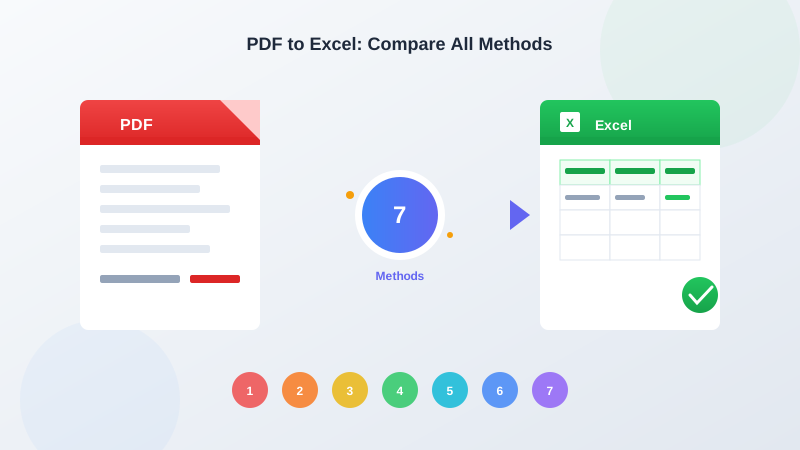
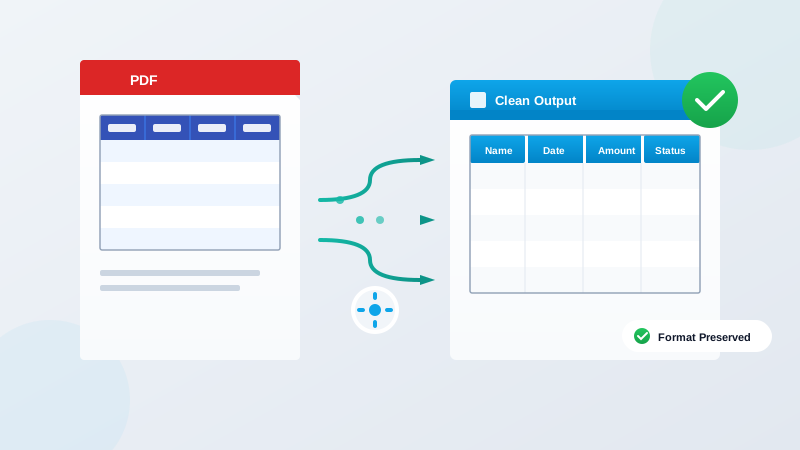
PDF Parser reads your documents the way you would - but faster and without mistakes. It finds the tables, identifies the columns, recognizes the data, and organizes everything neatly. Then you download the results as an Excel file or CSV that opens perfectly in Google Sheets.
How It Works (It's Simpler Than You Think)
You don't need to be technical to use PDF Parser. If you can attach a file to an email, you can use this tool. Here's the entire process:
Step 1: Upload your PDF
Drag and drop your file, or click to browse. That's it. Whether it's a scanned document, a digital PDF, or something someone emailed you five minutes ago - just upload it.
Step 2: Let PDF Parser do the work
The tool analyzes your document automatically. It finds tables, recognizes text, and figures out what goes where. You'll see the extracted data on your screen in seconds.
Step 3: Download your spreadsheet
Click the download button and choose your format. Want an Excel file you can open right away? Done. Prefer a CSV for Google Sheets? Also done. The data is clean, organized, and ready to use.
That's the whole process. Three steps, usually under a minute, and you've got usable data.
Real Examples from Real Workdays
Still wondering if this applies to your situation? Here are some common documents that PDF Parser handles every day:
Invoices and receipts: Pull out vendor names, dates, line items, quantities, and totals. Perfect for expense tracking or accounts payable.
Order forms: Extract customer information, product codes, quantities, and pricing without retyping a single field.
Bank and financial statements: Get transaction details into your spreadsheet for reconciliation or analysis.
Inventory lists: Convert supplier catalogs or stock reports into working spreadsheets you can actually sort and filter.
Survey responses and forms: When people submit filled-out PDF forms, extract all those responses at once instead of reading them one by one.
The common thread? Any PDF with structured information - especially tables - becomes spreadsheet-ready in seconds instead of hours.
Why Your Spreadsheet Will Thank You
When you stop typing data manually, a few nice things happen:
Fewer errors: Computers don't get tired, distracted, or confused by smudged fonts. The data that goes into your spreadsheet is exactly what was in the PDF.
Consistent formatting: No more fixing date formats or removing extra spaces. The extracted data is clean and uniform.
More time for real work: Instead of being a human copy machine, you can focus on analyzing data, spotting trends, or just getting home on time.
Less frustration: Let's be honest - data entry isn't why you took this job. Eliminating the tedious parts makes work more bearable.
Getting Started Takes Two Minutes
You don't need to install anything, learn any new skills, or ask IT for permission. PDF Parser works right in your web browser.
Here's how to try it right now:
That's genuinely all there is to it. Most people are surprised by how fast and accurate the results are - especially compared to the hour they were about to spend typing.
Stop Retyping. Start Extracting.
Every PDF you manually copy is time you're not getting back. Every typo you have to hunt down is frustration you don't need.
PDF Parser exists to solve this exact problem. It takes documents that trap your data behind the PDF format and sets that data free - directly into the spreadsheets where you actually need it.
No technical skills required. No complicated setup. Just upload, extract, and download.
Ready to stop retyping? Try PDF Parser free and see how much time you get back.